How to Build a Design System That Scales With Your Product
Build a useful design system with reusable components, design tokens, accessibility rules, ownership, and adoption metrics tied to real product work.
By RZoraTech Team, Engineering & Product · · 3 min read
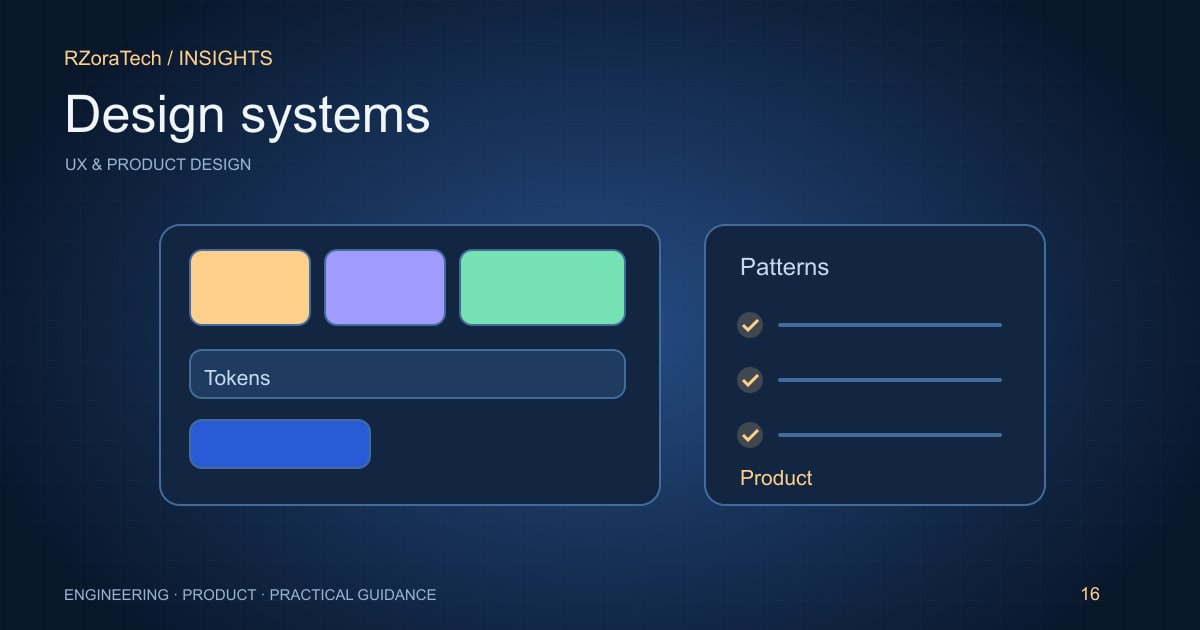
A design system is a shared way to make product decisions consistently. It includes components, tokens, interaction rules, and the process for maintaining them. A polished component gallery is useful only when teams can apply it to real workflows. Start with the repeated problems in your product and build the smallest system that resolves them.
Audit repeated decisions before building a library
Review forms, navigation, tables, dialogs, empty states, and error messages across the product. Identify inconsistent behaviour as well as visual differences. Two matching buttons can still behave differently when loading or disabled. Prioritise components used in important, frequently changed journeys.
Define tokens for colour, spacing, typography, and other shared decisions. Use semantic names that explain intent, such as a warning surface, rather than tying every reference to a raw colour. Tokens make global changes easier, but they need clear usage guidance to avoid accidental misuse.
Specify states and accessibility together
Document default, hover, focus, loading, error, disabled, and success states where relevant. Explain keyboard behaviour, screen-reader semantics, and how content adapts at zoom or on smaller screens. An accessible component should preserve those behaviours when composed into a larger workflow.
Keep design and code aligned through concrete examples and shared review. A component that exists only in a design file cannot guarantee implementation consistency. Conversely, an undocumented code component invites teams to invent different usage patterns. Show when a component should be used and when a different pattern is more appropriate.
Establish ownership and measure adoption
Assign maintainers and a contribution process. Decide how teams propose changes, report issues, and adopt updates. Version breaking changes and provide migration guidance. Avoid turning the system into a gate that blocks all experimentation; new product needs should feed back into shared patterns.
Measure adoption in shipped workflows, duplicated components, accessibility regressions, and the effort required for repeated changes. Do not equate a large component count with success. A smaller system that teams trust can improve delivery more than a broad library with unclear ownership.
What to follow before development
- Audit recurring UI and interaction inconsistencies.
- Define semantic tokens and complete component states.
- Align design examples with implemented behaviour.
- Assign maintainers and a manageable contribution process.
A practical example
A SaaS product has five different date filters across reporting screens. The team agrees on one accessible interaction, implements it with loading and error states, and documents the supported formats. Subsequent reports reuse it, while genuinely different scheduling needs go through a separate design discussion rather than forcing an unsuitable component.
Sources and further reading
Plan your next step
Validate the workflow before committing to implementation with our UX/UI design team. For a related implementation guide, read accessible product design.
Frequently asked questions
- Should a startup build a complete design system before its MVP?
- Usually start with essential shared patterns and expand as real usage reveals needs. A comprehensive library built too early can encode assumptions the product has not validated.