
Offline-First Mobile Apps: Sync Without Losing User Work
Plan offline mobile apps with local storage, durable queues, conflict rules, visible sync status, and recovery tests for unreliable networks.
By RZoraTech Team, Engineering & Product · · 3 min read
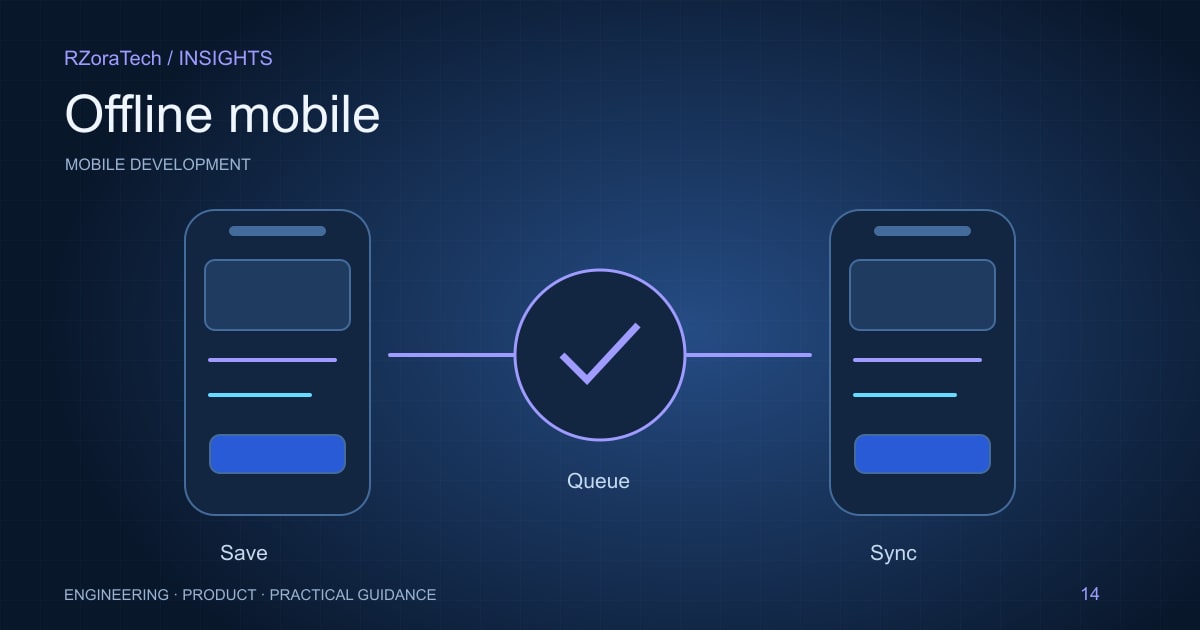
An offline-first mobile app lets users continue important tasks when connectivity is weak or absent. That requires more than caching screens. The app needs durable local data, a clear synchronisation protocol, conflict handling, and honest status messages so users know whether their work is saved locally or confirmed by the server.
Define what works without a connection
List the tasks that must remain available offline and the data each task needs. A field worker may need assigned jobs, delivery notes, and a way to record completion. Some actions, such as checking a live balance or claiming a shared resource, may require server confirmation.
Distinguish readable cached data from editable records. Define expiry and sensitivity rules for local storage, especially on shared or lost devices. Make the product explain when information may be stale. Offline capability should not silently imply that every screen represents the current server state.
Use durable operations and explicit conflict rules
Store pending changes in a persistent queue with stable operation identifiers. A retry after an interrupted upload should not create a second delivery record. Track local and server versions so the system can detect concurrent edits.
Choose conflict policies by data type. Appending a note differs from replacing an address or allocating stock. Last-write-wins is simple but can discard important changes. For high-impact conflicts, show the competing values or route them for review. Avoid assuming the device clock is an authoritative ordering mechanism.
Design and test the recovery experience
Show states such as saved on device, syncing, synced, and needs attention. Keep failed work available for retry. Large attachments may need resumable transfer or separate status from the main record. Users should not have to guess whether pressing submit again is safe.
Test airplane mode, unstable networks, token expiry, app termination, full storage, and two devices editing the same record. Check what happens when a user signs out with pending work. Monitor sync failures without exposing sensitive records in logs. Reliable offline behaviour depends on both mobile and backend design.
What to follow before development
- Identify offline tasks and stale-data limits.
- Persist operation IDs and a recoverable sync queue.
- Define conflict rules for each editable data type.
- Test interruption, expired sessions, and duplicate retries.
A practical example
A driver records proof of delivery in a warehouse with no signal. The app saves the record and photo locally and displays pending sync. When connectivity returns, a stable operation ID prevents duplicate delivery confirmation. If another dispatcher changed the assignment meanwhile, the app flags the conflict rather than silently overwriting it.
Sources and further reading
Plan your next step
Scope the device, connectivity, and release requirements with our mobile app development team. For a related implementation guide, read API reliability and permissions.
Frequently asked questions
- Is caching API responses enough for offline support?
- No. Offline writes need durable storage, retry semantics, conflict handling, and clear status. Caching only helps with previously fetched read-only information.