Passkeys vs Passwords: What Product Teams Should Plan
Understand passkey sign-in and plan registration, recovery, device changes, and fallback flows before replacing passwords in your web or mobile product.
By RZoraTech Team, Engineering & Product · · 3 min read
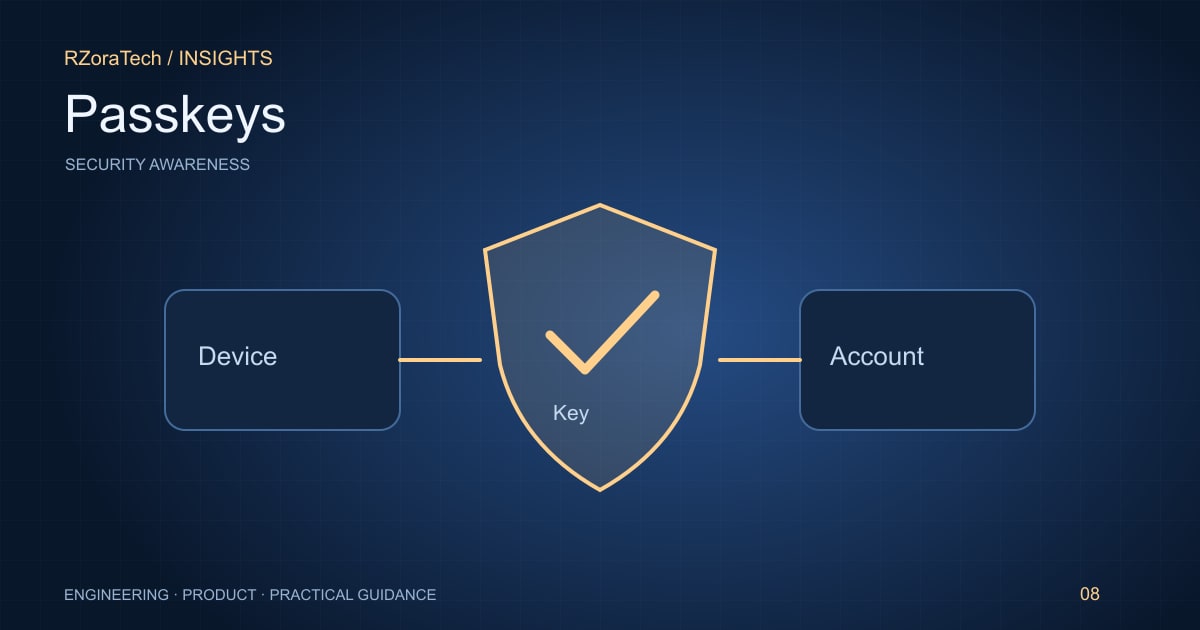
Passkeys use public-key authentication rather than asking users to type a shared secret into a website. They can reduce phishing risk and password friction, but a successful rollout also needs clear enrolment, account recovery, and support workflows. Authentication is a user journey as well as a cryptographic mechanism.
Understand what changes in the login flow
With WebAuthn, an authenticator creates credentials associated with a relying party. The server stores a public key and verifies signed challenges. Depending on the device and credential type, users may authenticate with a biometric gesture, device PIN, or security key. Your application does not receive a fingerprint or face scan.
Distinguish user verification from identifying which account a person wants to access. Plan discoverable credentials, account selection, and shared-device behaviour. Check current platform and browser support using the official documentation for your target audience before committing to a particular flow.
Design recovery as carefully as enrolment
People lose devices, switch ecosystems, and contact support when they cannot sign in. Decide which recovery methods are acceptable for the sensitivity of your product. A phishing-resistant primary method provides limited benefit if an easily manipulated recovery process bypasses it.
Allow users to view and remove registered credentials where appropriate. Explain what happens when a credential is synced and when it is tied to a device or security key. Use plain product language; most users do not need to understand public-key infrastructure to register safely.
Roll out with measurable acceptance criteria
Begin with optional enrolment for an identified cohort. Measure completion, successful sign-ins, recovery requests, and abandonment. Test cancellation, unsupported devices, stale sessions, and account mismatch. Keep error messages useful without revealing whether an unrelated account exists.
Protect session cookies, validate origins and challenges correctly, and review the existing authorisation model. Passkeys authenticate a user; they do not determine what that user may do. An application still needs rate limits, audit events, and permission checks for sensitive account changes.
What to follow before development
- Map sign-in, enrolment, removal, and recovery journeys.
- Review current support on the devices your customers use.
- Define a secure fallback that does not undermine the primary flow.
- Test device loss, cancelled prompts, and shared-device use.
A practical example
A B2B product first offers passkeys to account administrators. It retains a carefully controlled recovery route, records credential changes, and explains how to register a second authenticator. Support tickets and failed sign-ins guide the next iteration before the product makes passkeys the default for the wider customer base.
Sources and further reading
Plan your next step
Scope the device, connectivity, and release requirements with our mobile app development team. For a related implementation guide, read API security.
Frequently asked questions
- Do passkeys remove the need for account recovery?
- No. Users can lose access to authenticators or synced accounts. Recovery must be designed, tested, and protected according to the product's risk level.