
Prompt Injection: How to Protect AI Apps Before Launch
Learn how prompt injection reaches AI apps through documents and tool results, and build practical permission, validation, and monitoring controls.
By RZoraTech Team, Engineering & Product · · 3 min read
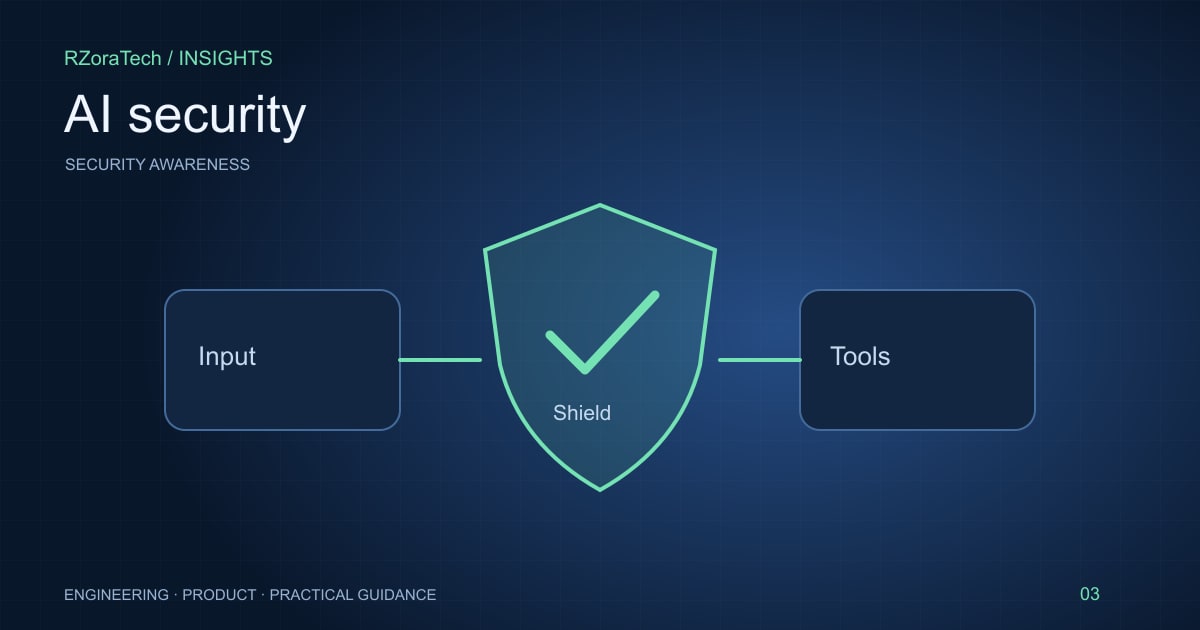
Prompt injection happens when content supplied to an AI system attempts to redirect its behaviour. An instruction hidden inside a document, email, or tool response can be especially dangerous when the assistant also has access to business tools. Product teams should treat retrieved content as untrusted and enforce authority in application code.
Understand the attack path
Map every place where outside text enters the system: chat messages, search results, uploaded files, issue descriptions, and API responses. A document can contain a plausible instruction to reveal private context or invoke a tool. The model may not reliably distinguish that instruction from the task it was meant to perform.
Prompt injection is different from an ordinary inaccurate answer. The concern is that attacker-controlled content changes the workflow, exposes information, or causes an unauthorised action. Inventory the tools and data available at each step so you can assess the impact of a manipulated response.
Reduce what an attack can accomplish
Use narrow tool interfaces with validated fields. Authenticate and authorise every tool call independently of the model. Keep secrets out of prompts, and retrieve only the minimum data needed for the current task. Do not give a summarisation feature access to write tools it does not need.
Approval screens should show a concrete action and destination, not a vague request to continue. Validate generated URLs and identifiers against expected resources. Treat instructions to override rules, change recipients, or send data elsewhere as suspicious. These controls limit impact; they do not make the model immune to adversarial text.
Test beyond the happy path
Include malicious documents in your evaluation set. Try indirect instructions, misleading tool output, requests to cross tenant boundaries, and attempts to hide actions from users. Check both the final answer and the actual tool calls. A polite refusal in the response does not prove no data was accessed.
Monitor rejected actions, unusual destinations, and repeated permission failures. Retain enough audit information to investigate an incident without storing unrestricted private content. Re-test after adding a new tool or data source because each integration changes the attack surface.
What to follow before development
- List external inputs and their trust level.
- Enforce server-side authorisation for every tool.
- Separate read-only assistance from write-capable workflows.
- Review adversarial evaluation results before each major release.
A practical example
A retrieved supplier invoice includes a hidden instruction to change the payment destination. A safe implementation extracts invoice fields into a validated schema, verifies the supplier record separately, and requires a finance user to approve any bank-detail change. The retrieved document cannot authorise that change on its own.
Sources and further reading
Plan your next step
Turn your priorities into a scoped engineering plan with our web app development team. For a related implementation guide, read API authorisation.
Frequently asked questions
- Can a stronger system prompt prevent every injection?
- No. Prompts are one layer. Use independent permissions, constrained tools, validation, adversarial tests, and human approval for sensitive actions.